A race debrief, Ford Mustang GT3 at Sebring International Raceway
Lap 58 was my fastest of the race, a 2:02.963. The comparison lap's 1:58.665 is four seconds quicker. Here is where.
Omnilap is a desktop telemetry app for iRacing. It reads the files the sim already writes, lines your laps up by distance, and shows you where the time was lost. Scroll, and the map beside this drives lap 58 while the debrief reads it.
Finding the lap.
Open the event and every lap of the race is listed, 60 of them over 6 stints, each with its time, the fuel it used and whether it went off track. There were 9 off-tracks and 3 pit stops. The fastest lap of the race is marked, so lap 58 is where you start.
Lining it up.
Pick lap 58 and set the comparison lap's 1:58.665 beside it, a lap from a faster driver. Omnilap draws both over one distance axis, so a corner is in the same place on both traces whatever speed you took it at, and puts the time delta on top: a line that climbs where the lap gains and falls where it loses.
The cursor starts where the loss is steepest, at 2,040 metres, in turn 5. Lap 58 took 5.026 over that stretch against the comparison lap's 4.580, a difference of +0.446.
Where it went.
Every turn and straight is timed for both laps. These are the stretches where lap 58 lost the most to the comparison lap, ranked by the share of time lost so a short turn is not buried under a long straight.
- Turn 2, +0.622, +11.5% slower over the stretch.
- Turn 5, +0.446, +9.7% slower over the stretch.
- Turn 1, +0.562, +8.7% slower over the stretch.
- Turn 7, +0.306, +8.2% slower over the stretch.
- Turn 10-11, +0.324, +6.3% slower over the stretch.
Watching it back.
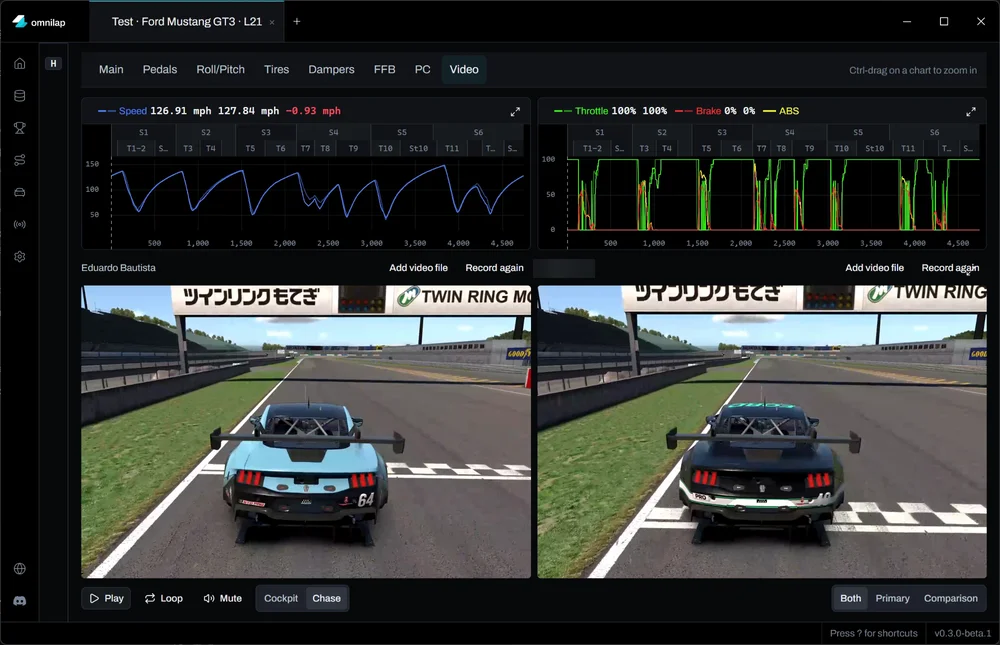
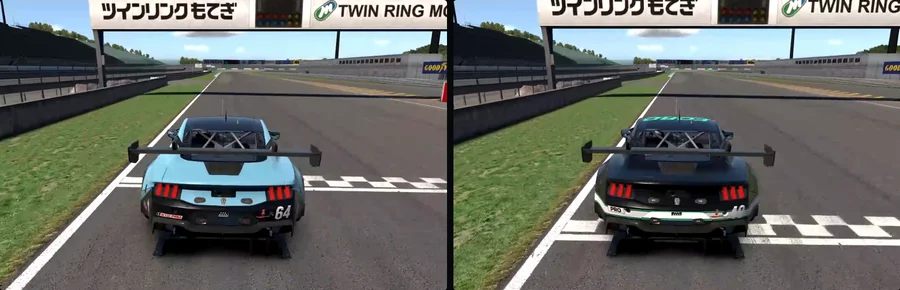
The numbers say where; the video shows what. Pick a lap from a replay you saved in iRacing and Omnilap records it, from the cockpit or the chase camera, to play beside the comparison lap's. Both follow the cursor by distance, so the two cars arrive at every corner together. A video file of your own can be added instead.
The rest of the files.
The Data Book parses the telemetry files on your machine and organises them into events, so every lap sits under the race, practice or qualifying it was driven in. It also parses the ghost lap files iRacing saves and the CSV exports from Garage 61. All of it is tagged and searchable, and any of it can be drawn as the comparison.
What it does not do.
- It does not need the internet: it is an offline-first Windows desktop app, and its cloud features are optional.
- It does not need an account.
- It does not make you wait: it is built to be the fastest-loading telemetry software there is.
Omnilap is in private beta.
It runs on Windows and is used by a small group of drivers. There is no public sign-up yet; the Discord is where the beta is run.